Android APK · 17 November 2026
JoyCasino app: the button downloads the APK.
Tap it on the phone and the Android package comes down. Then allow that browser to install it, and sign in with the account you already have.
Written by Ali Hasanli. Updated 17 November 2026. The button is sponsored. 18+ only. Cashier notes are on the JoyCasino page.
Android
APK from the button below
Account
Same login as the site
iPhone
Home screen, not an APK
On Android
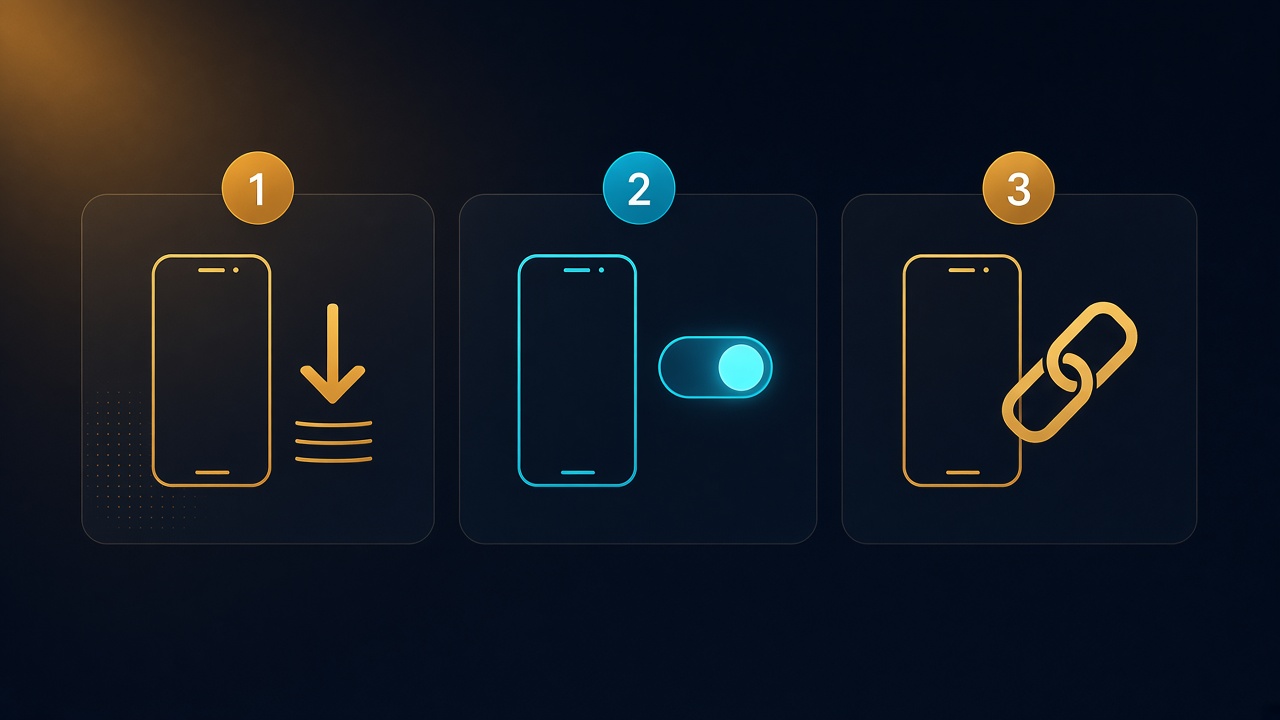
- Tap the button on the phone and wait for the APK.
- When Android asks to allow installs, allow that browser only. After the app is on the phone, turn the permission off again.
- Open the file from the download tray, look at the permission list, then install. Sign in with the account you already have.
I don't install an APK that arrived in a chat. The file I use is the one this button downloads.
On iPhone
The APK will not install. Open the site in Safari or Chrome and add it to the home screen. Same account, same cashier. The welcome reading is on the JoyCasino page.
Short answers
Is it on Google Play? The install I use is the APK button on this page. I don't open a store result just because the name matches.
Do I need a new account? No. Sign in with the account you already use on the site. The cashier and the welcome terms stay the same.
Does the APK install on iPhone? No. On iPhone, open the site in Safari or Chrome and add it to the home screen. Same account.
Before you tap
TRUST-Play does not host the file. 18+. An APK from a chat can take the password. Bonus terms are on the cashier.